


Free Photo Grid & Collage Maker
Arrange photos into beautiful grids, Instagram layouts, and collages in seconds. 50+ presets · drag-and-drop · HD export · no sign-up.
Try the Photo Grid Maker — Free, No Sign-Up
Pick a preset, drop in your photos, and export a high-resolution grid in under a minute.
Trusted by Photo Creators Worldwide
Real usage signals from users building grids, collages, and social visuals
Photo Grids Created
Grids and collages exported across social and business use cases
Layout Variations
Grid, collage, and feed-ready arrangements available
Average Speed
From upload to export for most edits
No Watermark
Clean downloads for free users
Built for fast, no-signup visual creation by Photo Grid Collage
Why Choose Our Photo Grid Maker
Everything you need to create stunning photo collages and grids with ease
Flexible Grid Layouts
Choose from multiple grid patterns or create custom layouts. Adjust spacing, add borders, and arrange photos exactly how you want.
Instant Results
Create professional-looking photo grids in minutes. Real-time preview and drag-and-drop simplicity for fast workflow.
Creative Freedom
Add text, stickers, filters, and effects to your collages. Full control over every element to match your style.
Free to Start
Start creating immediately with no sign-up required. Access essential features for free and upgrade only when you need more.
Make a Photo Grid in 3 Simple Steps
No design skills needed. Upload, arrange, and export — the whole process takes under 60 seconds.
Upload Your Photos
Select one or more photos from your device. Drag them directly into any slot, or use the bulk upload button to fill an entire grid at once.
Choose a Layout & Customize
Pick from 50+ grid presets — 2×2, 3×3, 4×4, mosaic, and more. Adjust spacing, corner radius, background color, add text overlays, stickers, and per-photo filters.
Export in HD — Free
Download your finished grid as a high-resolution PNG or JPG. Use split-export to separate each cell for seamless Instagram grid posts. No watermark, ever.
Use Cases
Choose a scenario and follow a proven photo-grid workflow
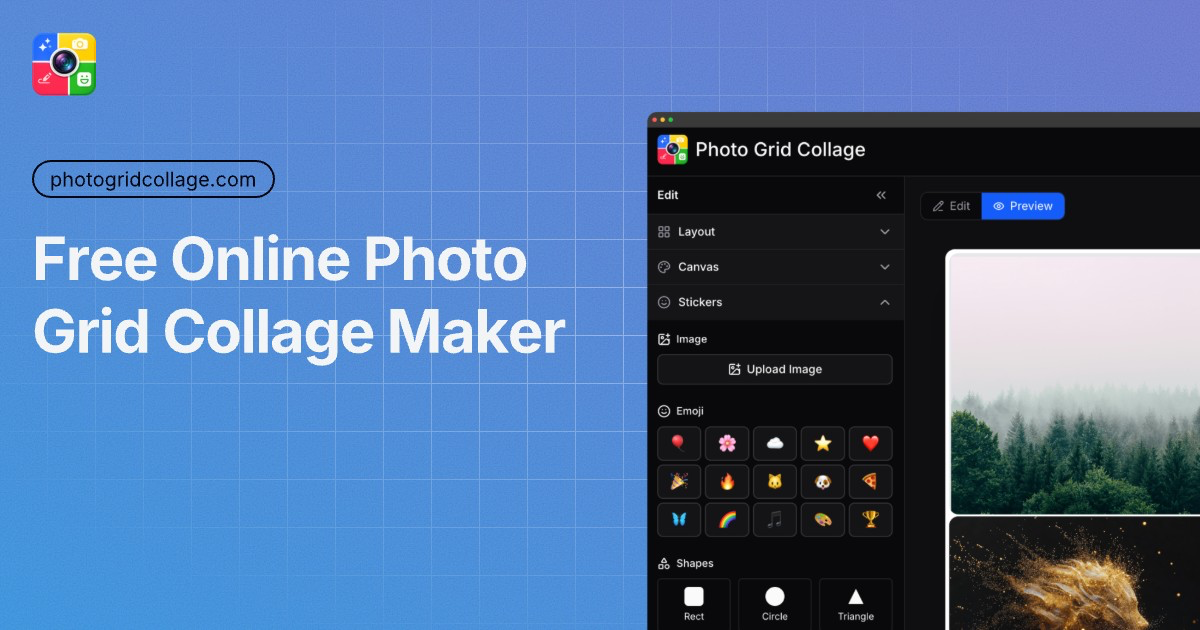
Photo Grid for E-commerce
Show product variants, detail shots, and bundle combinations in one clean visual. Improve product clarity and reduce decision friction.
View E-commerce WorkflowPhoto Grid for Instagram Content
Plan cohesive feed blocks, split panoramic posts, and prepare campaign visuals with a consistent posting sequence.
View Instagram WorkflowPhoto Grid for Portfolio Presentation
Build curated contact sheets and client-ready visual boards for photography and creative case studies in minutes.
View Portfolio WorkflowEach use-case page includes setup steps, examples, and export guidance.
Compare
Evaluate speed, workflow, and output quality before choosing your tool
Photo Grid Collage vs Canva
Compare template speed, editing flexibility, and export workflow when producing grid-based content at scale.
Compare with CanvaPhoto Grid Collage vs Photoshop
See when browser-first layout workflows beat manual layer editing, and where Photoshop still offers deeper control.
Compare with PhotoshopEach comparison includes strengths, trade-offs, and best-fit scenarios.
Trusted by Professionals Worldwide
See how creators, businesses, and agencies are transforming visual content with Photo Grid Collage
Photo Grid Collage reduced our content creation time by 80%. What used to take our design team 4 hours now takes me 30 minutes. Generated over 200 campaign visuals last month alone.
Mia Lopez
Social Media Manager at TechCorp
Professional product photography used to cost us $5,000/month. Photo Grid Collage delivers the same quality for under $100. Our conversion rate increased 35% with cleaner, more consistent visuals.
Daniel Kim
Founder, StyleShop ($2M revenue)
I’m not a designer, but Photo Grid Collage makes it so easy. I just upload my photos, pick a layout, and get polished results. It’s fun and user-friendly.
Emily Thompson
Student
The AI tools in Photo Grid Collage are fantastic. Background removal and upscaling have made my workflow faster and more efficient than ever.
Kevin Rodriguez
Hobby Photographer
We deliver client campaigns 60% faster now. Photo Grid Collage lets us create 20+ ad variations in minutes, not days. Our creative team can focus on strategy while the tool handles production.
Sarah Johnson
Senior Marketing Director at AdAgency Pro
Photo Grid Collage revolutionized our client presentation process. We can show 15 concept variations in our first meeting instead of just sketches. Client approval rate jumped from 40% to 85%.
Lucas Anderson
Creative Director at DesignStudio
Pricing
Simple, Transparent Pricing
Choose the perfect plan for your needs. No hidden fees, just pure creativity.
Billed monthly • 1,200 credits
What's Included
- 1200 credits per month (Up to 600 images)
- Standard AI tools & basic features
- HD resolution exports (up to 2K)
- Standard processing queue
- Basic workspace & image library
- Limited batch processing
- Email support
- Commercial licensing included
Billed monthly • 3,000 credits
What's Included
- 3000 credits per month (Up to 1500 images)
- Latest AI models & advanced features
- Ultra HD exports (up to 4K resolution)
- Fastest priority processing (2x speed)
- Advanced batch operations
- Dedicated customer success manager
- Perfect for professionals and growing businesses
- Usage analytics & reporting dashboard
Billed monthly • 9,000 credits
What's Included
- 9000 credits per month (Up to 4500 images)
- Latest AI models & advanced features
- Ultra HD exports (up to 4K resolution)
- Fastest priority processing (2x speed)
- Advanced batch operations
- Dedicated customer success manager
- Perfect for enterprises with high-volume needs and custom solutions
- Usage analytics & reporting dashboard
Basics, at no cost
Experiment first, upgrade when needed.
- Basic image editing tools
- Standard HD resolution (1024x1024)
- Full commercial rights included
- No watermark on exports
Frequently Asked Questions
Find answers to common questions about creating photo grids and collages.
Still have questions? Email us atsupport@photogridcollage.com
Make Your First Photo Grid — Free, Right Now
No design skills, no account, no watermark. Upload your photos and export a stunning grid in under 60 seconds.